Pixel Experience 13 for Samsung S20 FE Snapdragon (Android 13)

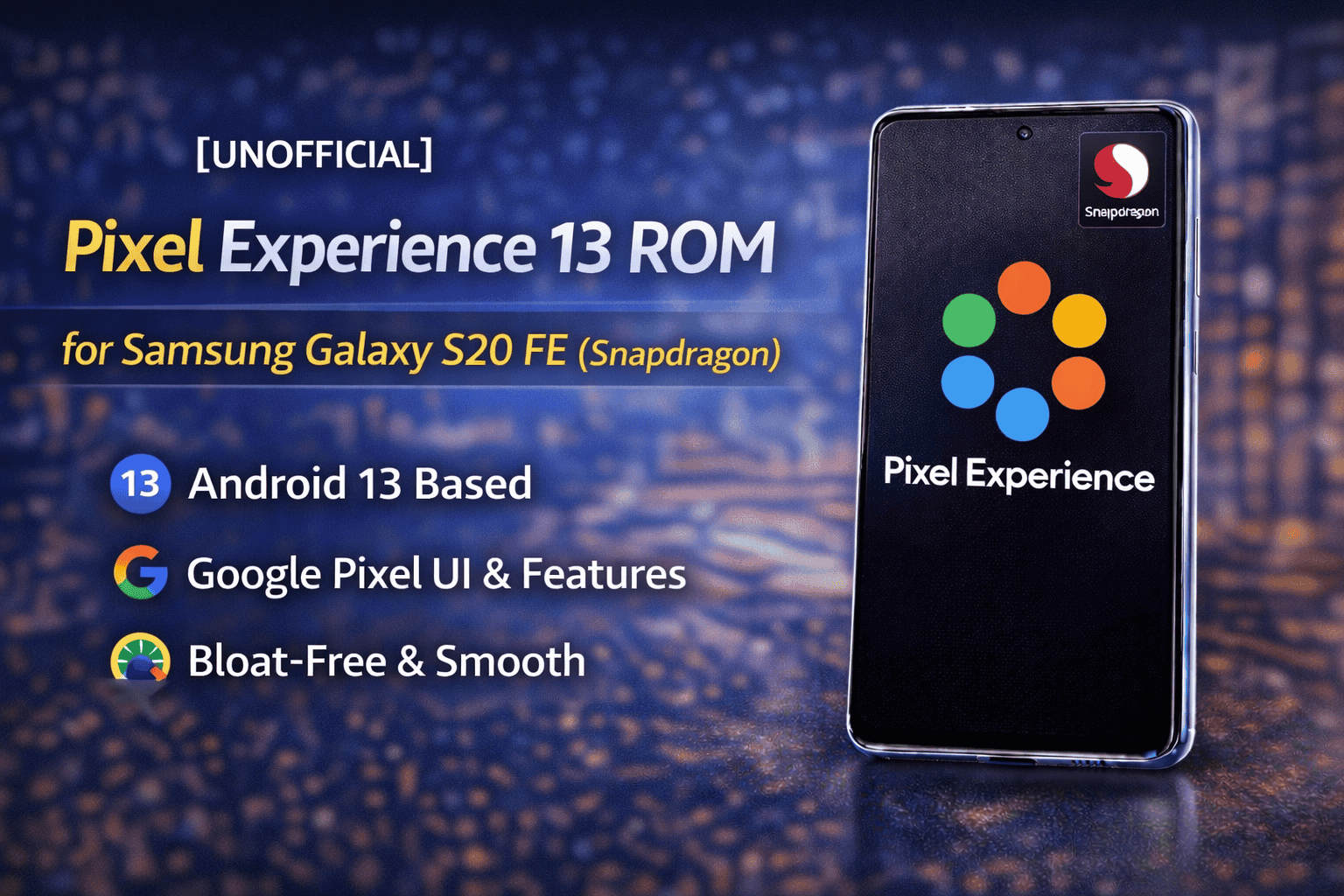
Pixel Experience 13 is an AOSP-based custom ROM that brings a clean Google Pixel–like experience to the Samsung Galaxy S20 FE Snapdragon variants. This ROM is made for users who want a simple, fast, and bloat-free Android system without Samsung’s heavy One UI skin.
Samsung Galaxy S20 FE officially comes with One UI, which includes many Samsung apps and services. While One UI is feature-rich, some users prefer a lighter and cleaner Android experience. Pixel Experience 13 is designed exactly for those users.
This build is UNOFFICIAL, which means it is developed by an independent developer and not part of the official Pixel Experience project releases. Even so, it offers a stable and smooth Android 13 experience for daily use.
Pixel Experience focuses on:
- Clean system UI
- Smooth performance
- Google Pixel features
- No unnecessary apps
If you want your Galaxy S20 FE to feel like a Google Pixel device, this ROM is a strong option.
What Is Pixel Experience ROM and Android 13 Overview
Pixel Experience ROM is a custom Android firmware based on the Android Open Source Project (AOSP). Its main goal is to provide the same software experience found on Google Pixel phones.
What Makes Pixel Experience Special
Pixel Experience includes:
- Pixel launcher
- Pixel system UI
- Google apps pre-installed
- Pixel-style settings and features
Unlike many custom ROMs, Pixel Experience does not require flashing separate GApps, because Google apps are already included in the ROM.
Android 13 Highlights
This ROM is based on Android 13, which brings several improvements:
- Better privacy controls
- Improved system performance
- Smoother animations
- Better permission handling
- Improved battery efficiency
On the Galaxy S20 FE, Android 13 feels fast and responsive when combined with Pixel Experience.
Supported Devices and Compatibility Notes
Before installing any custom ROM, it is very important to confirm device compatibility.
Supported Devices (Snapdragon Only)
Pixel Experience 13 officially supports:
-
Samsung Galaxy S20 FE – SM-G780G
-
Samsung Galaxy S20 FE 5G – SM-G781B
These models use Qualcomm Snapdragon processors, which are compatible with this ROM.
Not Supported
-
❌ Exynos models (SM-G780F)
Flashing this ROM on an Exynos variant can result in boot loops or permanent damage. Always check your model number in:
Settings → About Phone → Model Number
Important Compatibility Note
This ROM was tested mainly on SM-G780G.
Some users on SM-G781B may experience minor issues, especially related to NFC. If any issue occurs, it should be reported to the developer.
Requirements Before Installation
Before installing Pixel Experience 13, make sure your device meets all requirements.
Required Things
You need:
- Samsung Galaxy S20 FE Snapdragon model
- Unlocked bootloader
- Latest One UI 5.1 firmware (July or newer)
- Custom recovery installed (TWRP)
- Backup of important data
- Battery charged above 50%
Why These Requirements Matter
- Latest firmware ensures better compatibility
- Unlocked bootloader allows flashing custom ROMs
- TWRP is required for sideload and flashing
- Backup protects your data in case something goes wrong
Skipping any requirement can cause installation problems.
Working Features and System Status
Pixel Experience 13 is mostly stable on the Galaxy S20 FE Snapdragon. Many core features work properly.
Working Features
The following features are confirmed working:
- Audio
- Bluetooth
- Camera
- Double Tap to Wake (DT2W)
- Fingerprint sensor
- GPS
- LED lights
- Mobile data
- Mobile calls
- NFC
- OMX media playback
- Sensors
- Internal storage
- External SD card
- Wi-Fi
- Developer options
This makes the ROM suitable for daily use for most users.
System Status
- System performance is smooth
- UI animations are clean
- Pixel launcher works properly
- Google apps function normally
Overall, Pixel Experience 13 provides a stable and clean Android 13 experience on the Galaxy S20 FE Snapdragon.
Known Bugs and Current Limitations
Even though Pixel Experience 13 works well on the Galaxy S20 FE Snapdragon, it is still an UNOFFICIAL build, so some bugs and limitations exist. Knowing these issues before installation helps users avoid confusion.
Known Issues
-
VoLTE / VoWiFi do not work
This is a common issue on AOSP-based ROMs because Samsung’s VoLTE implementation does not fully work outside One UI. -
SELinux is permissive
This may reduce security slightly compared to enforcing mode. -
Device encryption is not enabled
The developer plans to enable it in later builds. -
Screen brightness glitch during fingerprint scan
Brightness may behave oddly while scanning fingerprints. -
Vibration is weak
Haptic feedback is not very strong. -
Front camera image size issue
Front camera photos can be very large (around 70MB) due to CameraX framework.
👉 Workaround: Use Google Camera (GCam).
Some minor bugs may vary depending on device variant and usage. Users are encouraged to report issues to help improve future builds.
Installation Guide (TWRP Sideload Method)
This is the recommended installation method for Pixel Experience 13 on the Galaxy S20 FE.
Steps to Install via ADB Sideload
- Reboot your device into TWRP Recovery
- Go to Advanced → ADB Sideload
- Enable:
- Wipe Dalvik Cache
- Wipe Cache
- Swipe to start sideload mode
- On your PC, open Command Prompt or Terminal
- Run the command:
-
adb sideload rom_name.zip
- Repeat the same steps to sideload:
- GApps (if needed)
- Magisk (optional, for root)
- Go back to Wipe → Format Data
- Reboot system
The first boot may take several minutes. This is normal.
Alternative Installation Method via TWRP
If you prefer a simpler method, you can also install Pixel Experience using the normal TWRP flashing process.
Steps
- Make sure your bootloader is unlocked
- Install the latest version of TWRP
- (Optional) Backup important partitions:
- Super
- Boot
- Data
- EFS
- Copy the Pixel Experience ZIP to your phone
- Boot into TWRP Recovery
- Tap Install and flash the ROM ZIP
- Flash GApps (if required)
- Format Data as the final step
- Reboot system
⚠️ Formatting data at the end is very important. Skipping this step can cause a bootloop.
Download Links, Source Code, and Community Support
⚠️ Important Notice:
AndroidBuilds.com does not host any ROM files. All downloads are provided by official sources.
Downloads
-
Pixel Experience ROM: Available on GitHub
-
TWRP Recovery: Official TWRP build for S20 FE
-
Telegram Group: NerokiReleases – S20 FE 5G (EOL)
These links provide ROM updates, testing builds, and user support.
Source Code
Pixel Experience 13 source code is available publicly:
-
Device Source: r8q-dev GitHub repository
-
Based on Android Open Source Project (AOSP)
Open-source code allows transparency and community contributions.
Credits
Special thanks to everyone involved in this project:
-
@neroki – ROM developer
-
@ata-kaner – Device tree source
-
All contributors and testers
Their work helps keep custom ROM development alive for the Galaxy S20 FE.
Disclaimer
Pixel Experience 13 is provided for educational and testing purposes only.
Installing custom ROMs can:
- Void your device warranty
- Cause data loss
- Lead to software or hardware issues if done incorrectly
AndroidBuilds.com is not responsible for any damage or data loss. Install at your own risk and always back up your data.
Final Conclusion
Pixel Experience 13 is a great choice for Galaxy S20 FE Snapdragon users who want a clean, fast, and Pixel-like Android 13 experience. It removes Samsung’s heavy UI and delivers smooth performance with Google’s design and features.
If you prefer stock Android over One UI and understand the limitations of AOSP ROMs, Pixel Experience 13 is definitely worth trying.