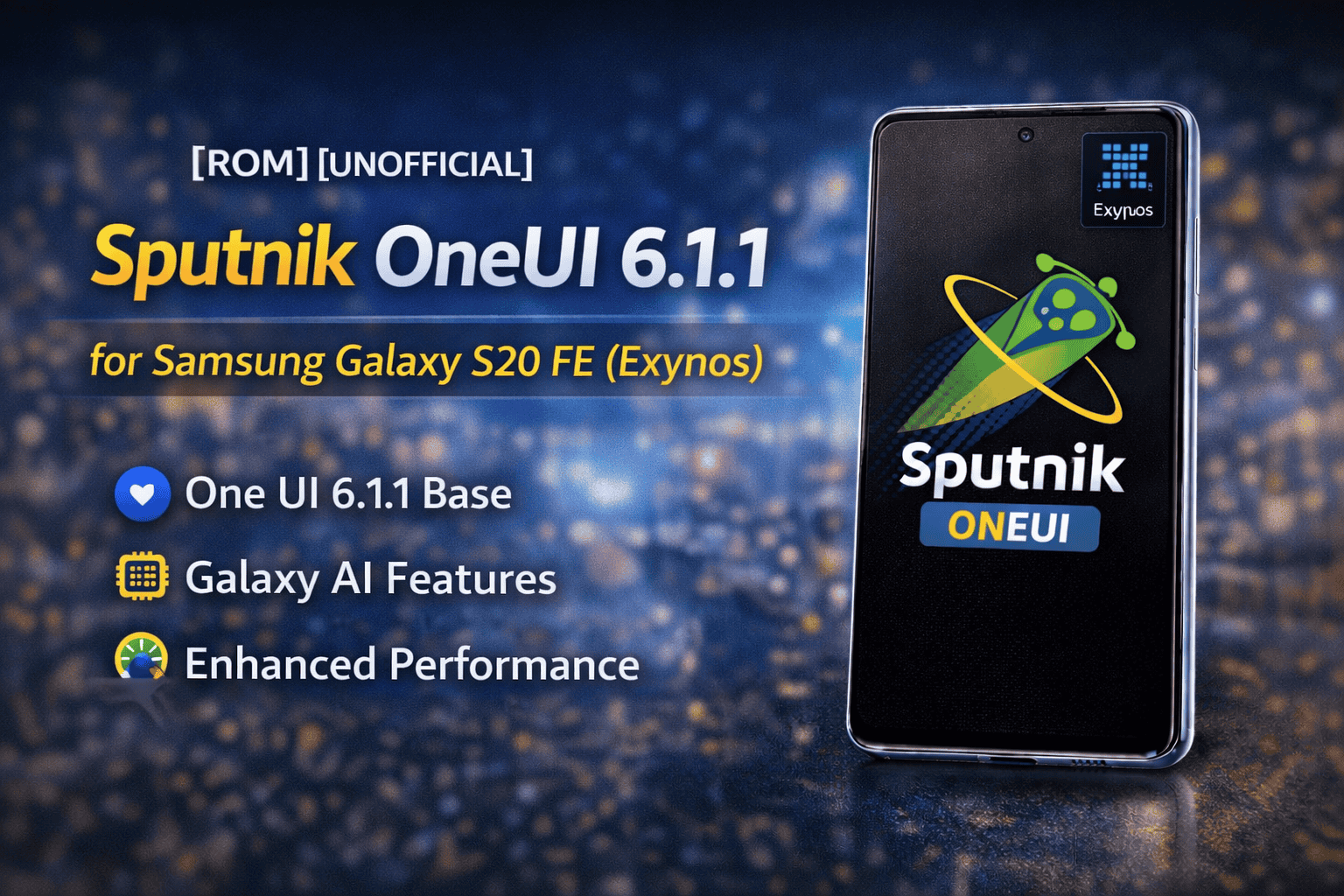
Sputnik ROM is a Samsung-based custom ROM built especially for the Samsung Galaxy S20 FE Exynos (SM-G780F). It brings the full One UI 6.1.1 experience from Galaxy S23 FE and ports it to the S20 FE with many improvements and fixes.
This ROM is perfect for users who want:
- The latest Samsung One UI look
- New Galaxy AI features
- Better performance and stability
- More control and extra options
Samsung has stopped giving major One UI updates to the S20 FE, but Sputnik ROM allows users to enjoy modern Samsung software again. Even though this project is now marked EOL (End of Life), it is still a powerful and stable ROM for daily use.
What Is Sputnik ROM and Its Purpose
Sputnik ROM is a full port of Galaxy S23 FE firmware adapted for the Galaxy S20 FE Exynos. It uses real Samsung system files, not AOSP or LineageOS, which means all Samsung features work the same as stock devices.
The main goal of Sputnik ROM is:
- To bring One UI 6.1.1 to older Samsung phones
- To provide Galaxy AI features
- To keep Samsung’s camera, apps, and services fully working
- To improve performance and system smoothness
Sputnik is not meant to be a heavy-modified ROM. It focuses on:
- Stability
- Clean Samsung experience
- Useful tweaks without breaking the system
This ROM is ideal for users who love Samsung software but want the latest version on their S20 FE.
Android Version, One UI Base, and Firmware
Sputnik ROM is based on official Samsung Galaxy S23 FE firmware, which makes it powerful and modern.
Software Base
- Android Version: Android 14
- One UI Version: One UI 6.1.1
- Base Device: Galaxy S23 FE
- Base Firmware: S711BXXS6DXL7
- Security Patch: January 2025
Vendor is taken from:
-
G780FXXSLFXL1 (January 2025 patch)
This gives:
- Newer system files
- Better security
- Improved compatibility with apps
Because it is a full S23 FE port, Sputnik brings:
- Galaxy AI
- New animations
- Modern One UI design
- Updated camera features
Main Features and One UI Enhancements
Sputnik ROM includes a long list of powerful features and tweaks that improve both looks and performance.
One UI 6.1.1 Features
- Galaxy AI support
- New One UI animations with blur
- Secure Folder
- Battery Health section
- Adaptive refresh rate (60Hz / 120Hz)
- Outdoor Mode
- ROM logo in Settings
System Tweaks
- Long back press to kill apps
- Fast system animations
- Small debloat for smoother system
- GPS accuracy improved
- Disable audio DRC
- Netflix and streaming apps fixed
- Dual apps for all
- Samsung Health patched
- Theme trial patch
Camera and Media Improvements
- FHD 120 FPS video recording
- Ultra-wide flashlight
- Camera stability improved
- Gallery text recognition works
Connectivity & Stability
- Bluetooth & Galaxy Watch fix after reboot
- Wi-Fi stability improved
- More accurate GPS
- Improved camera performance
Galaxy AI, Performance, and Extra Tweaks
Sputnik ROM includes Galaxy AI from One UI 6.1.1, which brings smart features to your Galaxy S20 FE.
Galaxy AI Features
- Smart photo enhancements
- Improved image processing
- Better AI camera effects
- Advanced gallery functions
Performance Improvements
- Extreme Kernel support
- Vendor optimizations
- Faster UI response
- Better camera stability
- Improved system performance
CSC Tweaks (Samsung Hidden Features Enabled)
- LTE icon instead of 4G
- NFC icon in status bar
- Call recording enabled
- Real-time network speed
- Wi-Fi advanced menu
- Camera shutter sound control
- 5-bar signal display
- Google homepage set by default
Supported Device and Model
Sputnik ROM is made only for the Samsung Galaxy S20 FE Exynos model.
Supported Device
-
Samsung Galaxy S20 FE – SM-G780F (Exynos)
This ROM is not compatible with Snapdragon variants.
Flashing it on any other model can cause boot loops or permanent damage.
Always check your model in:
Settings → About Phone → Model Number
Requirements Before Installing Sputnik ROM
Before installing Sputnik ROM, you must prepare your phone properly.
You need:
- Unlocked bootloader
- Custom recovery installed (TWRP required)
- Backup of important data
- Battery above 50%
- Correct ROM file for Exynos
Important Notes
- This ROM uses EROFS system, so the special recovery may be needed
- Root users can use Magisk or KSU (never both)
Proper preparation helps avoid installation problems.
Installation Guide (Simplified)
Below is a safe and simple overview of how to flash Sputnik ROM.
Flashing Steps
- Install TWRP Recovery
- Boot into TWRP
- Go to Wipe → Format Data
- Flash Sputnik ROM ZIP
- (Optional) Flash Magisk or KSU
- Reboot system
- Wait around 5 minutes for first boot
First boot may take longer — this is normal.
Downloads, Kernel, and Changelog
⚠️ AndroidBuilds.com does not host any files.
ROM Download
Available from the official developer source.
Kernel
-
Extreme Kernel v4.7 (KSU supported)
Based on S23FE S711BXXS6DXL7
Vendor G780FXXSLFXL1 (January 2025)
Kernel Improvements
- Camera stability improved
- Minor audio fixes
- Better system performance
- SSRM fixes
- Vendor optimizations
Not Working
- Text recognition inside Camera app
- Quick Share receiving files
- Vibration intensity
Credits, Disclaimer, and Final Conclusion
Big thanks to:
- @ricci206 (ROM creator)
- @ExtremeXT
- @madadictromtester
- @TurboRCT
- @ananjaser1211
- @BotchedRPR
- @deleteAccount
Their work made this port possible.
Disclaimer
Sputnik ROM is provided for educational purposes only.
Flashing custom ROMs can:
- Void warranty
- Cause data loss
- Damage your device if done wrong
AndroidBuilds.com is not responsible for any damage. Install at your own risk.
Final Conclusion
Sputnik OneUI 6.1.1 ROM is one of the best choices for Galaxy S20 FE Exynos users who want the latest Samsung One UI and Galaxy AI features. It brings modern software, better performance, and many Samsung enhancements to an older device.
Even though the project is now EOL, it remains a strong and stable ROM for daily use.